This article introduces the background and design of Project SUPPORT’s anonymous reporting website, which is now in testing. Our next report, in the November issue, will share what students, families, and community members told us after trying it.
Visit the website: elevatemind.net
 Why we built it
Every student deserves to feel safe at school, but students do not always feel able to speak up. They may worry about retaliation, feel that adults will dismiss their concerns, or face language and cultural barriers that make reporting hard. Many incidents of bullying, harassment, and threats go unreported as a result.
Minnesota Preparatory Academy (MPA) and Asian Media Access (AMA) are working together on a School Safety Plan built on a Whole School Safety Model, which brings together three kinds of safety: physical safety, emotional safety, and trusting relationships. The plan calls for an anonymous reporting tool for students. Project SUPPORT is that tool.
Project SUPPORT is a school violence prevention initiative led by Asian Media Access and the Multi-Cultural Community Alliance (MCCA), with the 3D Wellness Endowment team leading the website’s design. It is being piloted at MPA, with plans to expand to more Twin Cities schools.
How it was designed
Rooted in MPA’s School Safety Plan
MPA’s School Safety Plan follows a Whole School Safety Model with three connected parts:
- Physical safety: a secure building, emergency drills, and anonymous reporting tools for students.
- Emotional safety: trauma-informed staff, daily social-emotional learning, and calm spaces where students can reset.
- Relational trust: student voice in safety decisions, strong family engagement, and partnerships with community organizations such as MCCA.
 Anonymous reporting belongs to physical safety, but it only works when the other two parts are in place. Students speak up when they feel emotionally safe and trust that adults will respond. The plan also names the main reasons students stay silent: language barriers, cultural stigma, fear of retaliation, and a sense that their concerns will be dismissed. The website was designed to answer each of these.
Shaped by the people who will use it
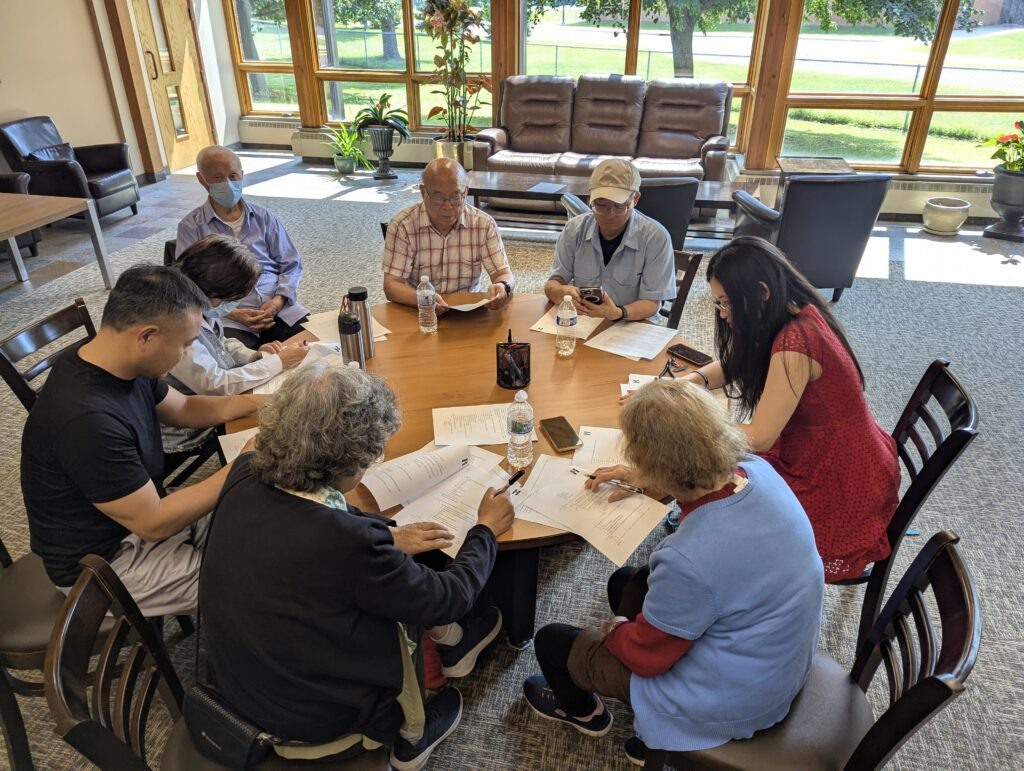
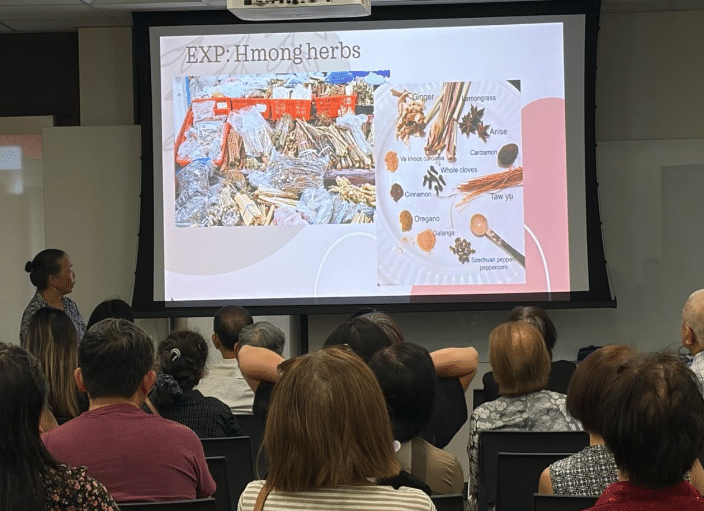
Early versions of the website drew on the Safety Plan, other school plans, and feedback from MPA leadership and students. Once a working prototype was ready, the team took it directly to students, parents, school staff, and community members to test it and hear their ideas.
Design principles
- Healing-centered and trauma-informed. The Safety Plan calls for a healing-centered, intuitive interface that builds a student’s sense of control by offering choices while protecting their privacy. The form is short and guided, crisis help is always visible, and support resources are one click away.
- The reporter stays in control. The person reporting decides whether to share their name, how urgent the concern is, and whether to add photos or screenshots.
- Private by design. There is no account or login. A case number and PIN let reporters follow up without revealing who they are.
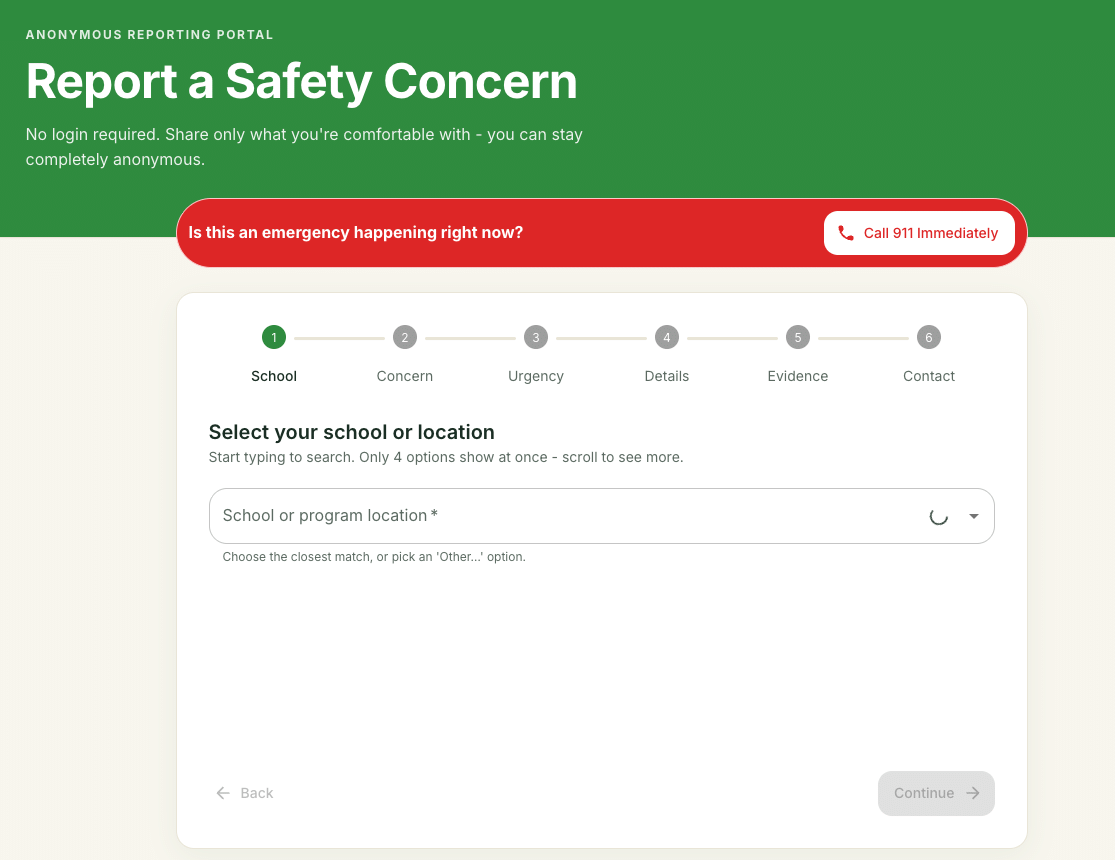
- Easy to use anywhere. The six-step guided form works on a phone or a computer, at school or at home.
- Culturally responsive. The staff who review reports are trained in culturally responsive practice, and families can be connected to MCCA partner organizations for culturally specific support. The Safety Plan also calls for reporting in English, Hmong, Somali, Spanish, and Dakota, which is a priority for upcoming versions.
- A real response. Every report is routed by urgency to a trained adult who can act on it.
From report to resolution
Every case follows the same seven-stage path, which keeps a consistent record and makes sure no step is skipped:
- New report received
- Safety review
- Risk classification
- School action or referral to law enforcement
- Case documentation
- Resolution
- Case closed
Throughout the process, reporters can use their case number and PIN to check on progress.
How reporting works
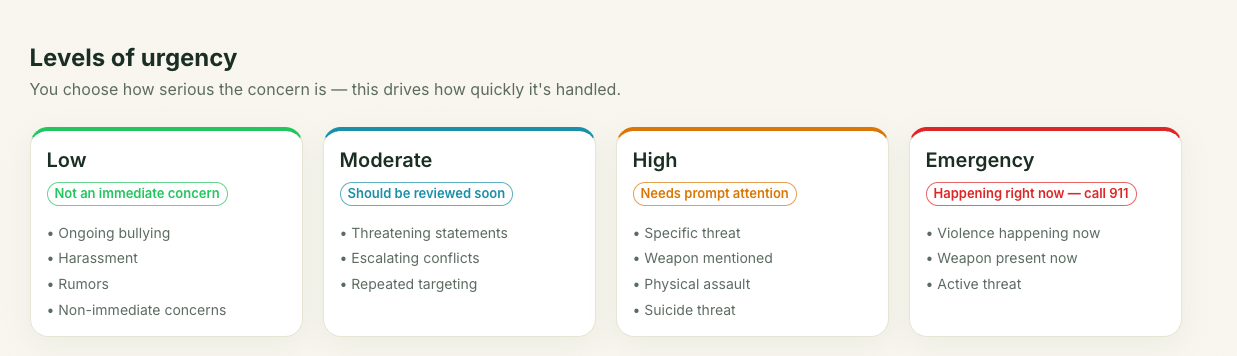
The website, elevatemind.net, lets students, families, school staff, and community members report bullying, harassment, threats, weapons, gang activity, self-harm, and suicide concerns. Reporting takes a few steps:
- Choose your school and the type of concern.
- Choose how urgent it is.
- Describe what happened, and add screenshots or photos if you have them.
- Decide whether to stay anonymous or share contact information.
- Submit, and save the case number and PIN you receive.
If someone is in danger right now, call 911. A link to 911 appears on every page of the website.
What happens after you report
Each report goes to the right person based on how urgent it is:
| Urgency | Who receives the report |
| Emergency | The reporter is prompted to call 911, and the report goes to the principal and law enforcement |
| High | The school principal, who reviews it and decides whether police should be involved |
| Moderate | School staff trained by Project SUPPORT |
| Low | The school counselor and the Project SUPPORT coordinator |
Reports about self-harm or suicide also go to the school counselor and an MCCA mental health specialist the same day. If you or someone you know is struggling, you can also call or text 988, the Suicide & Crisis Lifeline, at any time.
Protecting your privacy
- No account or login. You never have to sign in or create an account.
- Your name is optional. You can choose to stay completely anonymous.
- Follow up without revealing who you are. With your case number and PIN, you can check your report’s status and answer questions from staff anonymously.
- Only authorized staff see reports. Reports are shared only with the people responsible for responding to them.
Trained adults on the other end
The school staff who review reports complete Project SUPPORT training and receive a certificate. The training covers how to use the reporting system, how to judge how serious a concern is, threat assessment, suicide prevention, trauma-informed and culturally responsive support, and staff members’ legal duties to report and protect student privacy.
More than a reporting form
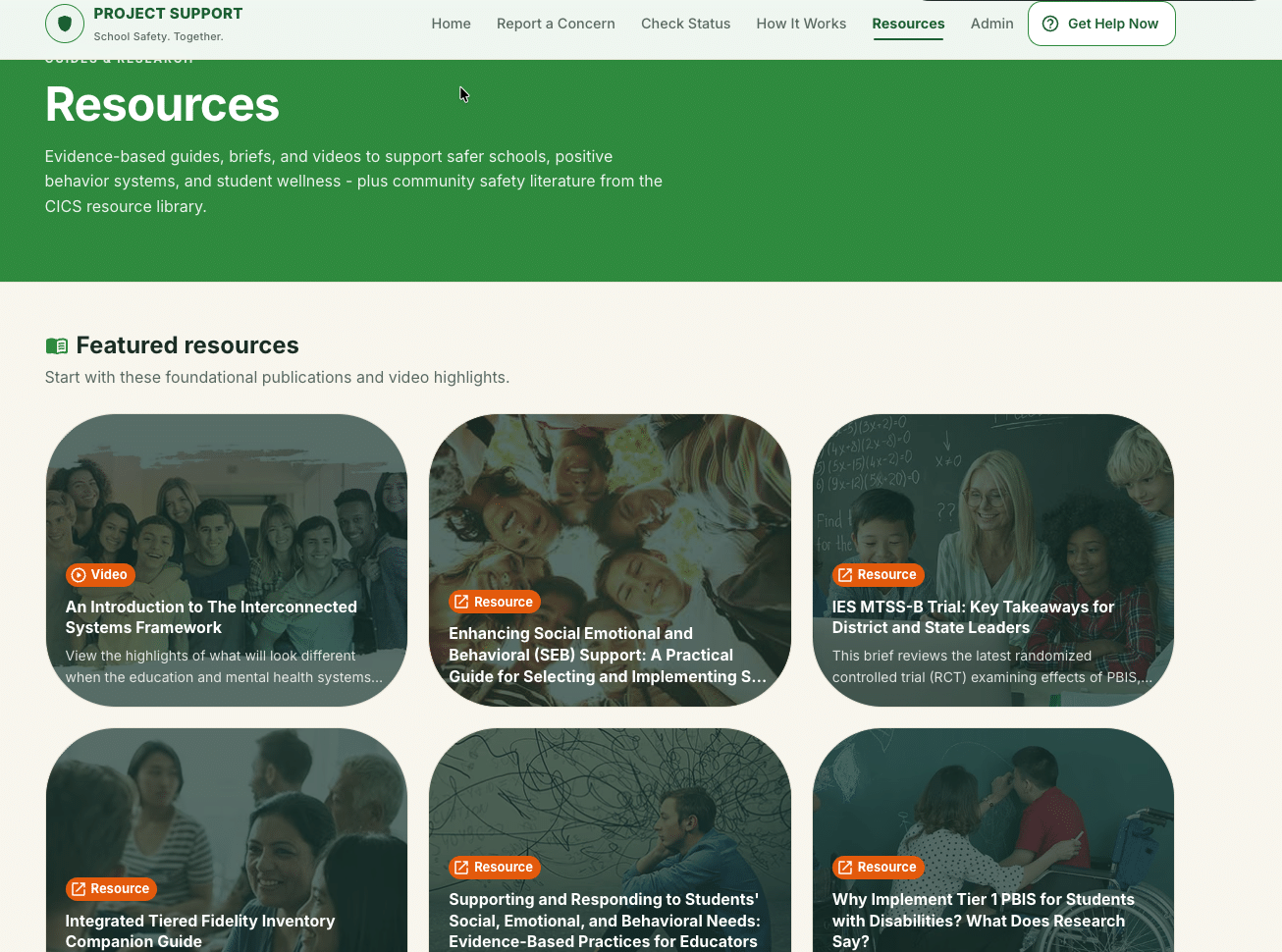
The website also offers a library of 62 prevention resources for students, families, and educators, covering topics like bullying, mental health, and staying safe online.
Where things stand: testing
Project SUPPORT is in its testing phase. The design team has shared the prototype with students, parents, school staff, and community members and asked for honest feedback. The team has also run test reports through the system to check that each one is sorted by urgency and can be followed from the moment it is received until it is resolved.
In our next report, in the November issue, we will share what testers told us and how their feedback is shaping the next version of Project SUPPORT.
Help us test Project SUPPORT
We invite students, families, school staff, and community members to help us evaluate the reporting process by submitting a test case at elevatemind.net. Your test helps us see how easy the form is to use, how reports are sorted and routed, and how well follow-up works.
When you submit a test case:
- Start your description with the word “TEST” so our team knows it is not a real report.
- Make up the details. Please do not use the names of real students, staff, or other people.
- Save your case number and PIN, and use them on the Check Status page to see how your test case moves through the process.
This is for testing only. If you have a real safety concern, submit it as a normal report. If someone is in danger right now, call 911. If you or someone you know is struggling, call or text 988.
Thank you for helping us build a reporting tool our community can trust!